

NGINX proxy manager, docker, and more
I am currently developing a bunch of apps through AI-based, vibe-coding tools. That's fast but, how do you put them into production? There are currently two options, depending on three metrics:
- time to set up
- expected traffic
- cost
The two main options I've taken into consideration are two:
- some paid service, like supabase, or render.com, or something else. They're just fantastic. They can handle heavy load, too. Setupping them up it's a breeze. But, they tend to cost a lot for hobby projects.
- Self-host the applications on some server I already have. This can be very cheap, expecially if you already have a server, but you are alone and you must do everything by yourself.
Of course, I choose option 2 because I'm poor :D .
Since my start of vibe-coding journey, I've estimated in about 1 day the time to set up a continuous integration that pushes working code on the server.
So, what is the pattern I am currently following? Let's find out.
The code part
All the code that must be served on a server, is dockerized. This means the database and the server parts.
I usually have a docker-compose.yml file for development and a docker-compose.prod.yml to serve the same app but on the server.
Locally i need to inspect things; on the server I don't. Let's see an example.
Locally, i usually expose ports to connect to the applications:
services:
    db:
        ...
        ports:
            - "5432:5432"
In the prod file, i simply don't. So, nobody can access the DB from outside.
Now, let's analyze an incoming connection.
The server configuration
First of all, on the production server, i call this command:
$ docker network create proxyThis is an external docker network, and it's shared between several containers & projects.
so, when a request hits the server, it gets to ...
NGINX Proxy Manager
Have you ever had the problem of multiple domains hitting the same server? For example, site1.com should target site1/app and site2.com should hit site2/app ? NGINX proxy manager does exactly that. That's what is usually referred to as a Reverse Proxy. With the bonus of managing let's encypt renawals, and much more for you!
I have just copied this docker-compose in nginx-proxy-manager folder, started it, and docker did the rest for me:
services:
  app:
    image: jc21/nginx-proxy-manager:latest
    restart: unless-stopped
    ports:
      - "80:80"
      - "443:443"
      - "<private_tailscale_url>:81"
    volumes:
      - data:/data
      - letsencrypt:/etc/letsencrypt
    networks:
      - default
      - proxy


volumes:
  data:
  letsencrypt:


networks:
  proxy:
external: true- This app will respond to ports
80,443, and<private_tailscale_url>:81(more on that later). the81port is the configuration port.
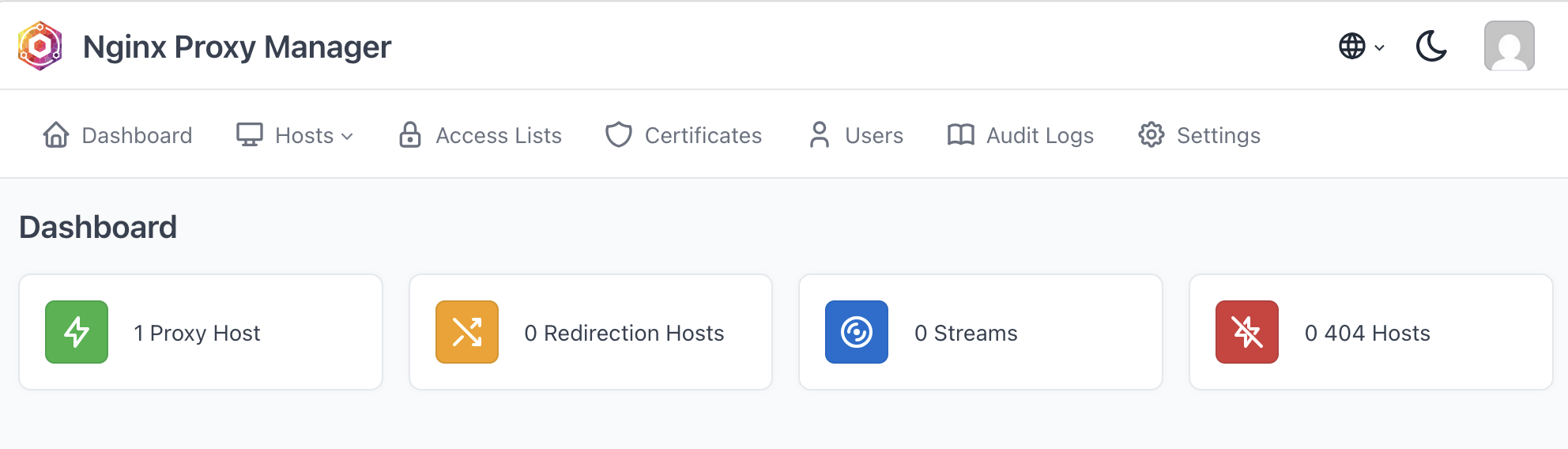
Here we can easily configure every site to be redirect to the right app.
When a request arrives for site1.com (currently erased), route the request to the docker image inside docker:
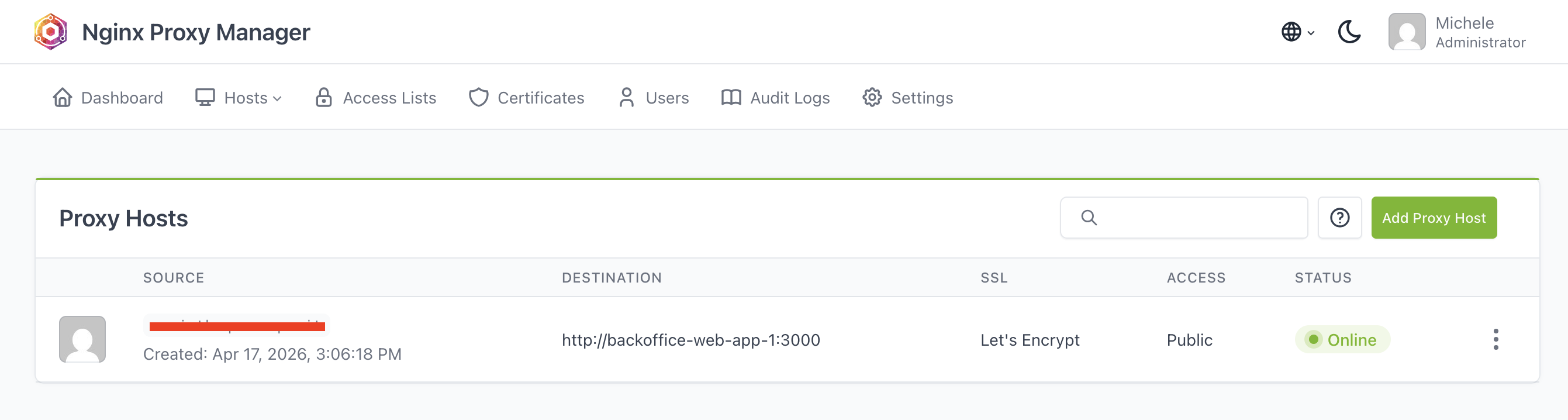
- nobody can access directly the port
3000of that app. - There can be multiple containers that expose the port
3000, nginx proxy manager will simply route to the right one based on the routes. - the trick happens in the
networkssection: here we specify that for theproxynetwork, we are exposing the ports defined previously.
App
in docker compose PROD, For the app, I usually add another network:
services:
    app:
        ...
        networks:
          - default
          - proxy
The default network is the one that is created by docker compose, where every service can see each other by hostname; This is the default if you omit the networks section. By adding the proxy network, nginx-proxy-manager can call this container directly.
Note: other containers of the docker-compose (like, the database) are not exposed to the proxy network.
DBs and other services
The DB and other services live only inside the default network, thus there's no need to explicitly put the networks section in their definition.
Tailscale
Nice: we have set up a very cool system, but.. what if we need to inspect logs? Can we protect things a bit more from hackers? What i usually do, at this point, is to:
- install tailscale on the server
- block all other ports on the server by setting a specific rule on the firewall
Tailscale is a great VPN provider with a great free tier. Once you are inside your own VPN network, you can access the server by using the private IP that will not work for anyone else than you.
So, if I want to access the dashboard of nginx proxy manager, i can do it ONLY from the tailscale IP. Nobody else in the world can access it nor intercept the traffic.
And finally, i block all traffic on every other port that is not 80, 443 for regular web traffic. This is easily done with ufw. For the curious:
# Deny anything incoming, allow everything outgoing
ufw default deny incoming
ufw default allow outgoing

# Allow SSH traffic before enabling the firewall, or you can cut yourself out
ufw allow 22/tcp

# 3. Public traffic we want to keep
ufw allow 80/tcp
ufw allow 443/tcp

# 4. Allow everything for tailscale network
ufw allow in on tailscale0

# 5. Enable
ufw enable

# Verify
ufw status verbose
Hope you enjoyed this journey as much as I did!